Export/Import
It's possible to export and import Custom Fields, Tiles and Headlines between companies or environments. To export and import the definitions an Export to XML and Import from XML action is available on the Custom Fields Setup page, and also on the Custom Fields Definitions page.
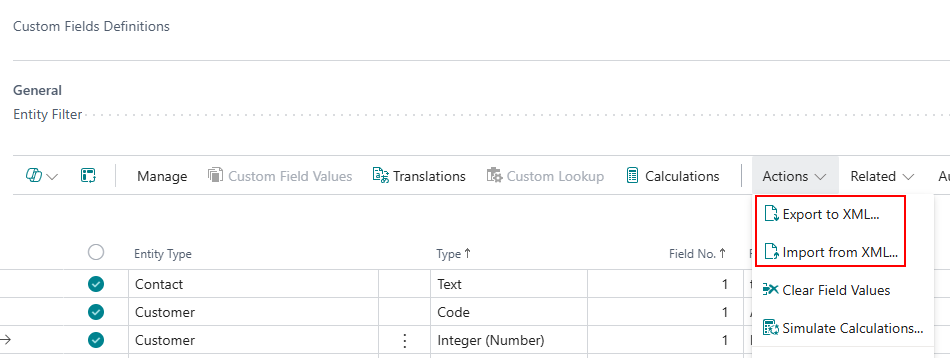
The Export to XML action creates an XML file which can be imported in another company/environment using the Import from XML action. The Export to XML action exports the complete set of all fields, tiles and headlines definitions in the current company.