Samples
The Custom Fields, Headlines & Tiles Setup and Custom Fields, Headlines & Tiles Setup Wizard pages have an Explore Samples… action which allows one to explore sample definitions that one can download and/or directly apply.
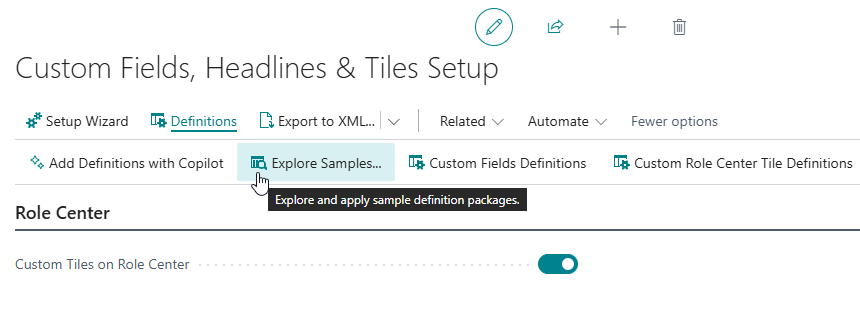
Invoking the Explore Samples… action opens the Explore Custom Fields, Headlines and Tiles Samples page where there are multiple packages with samples available, including the following:
-
Administration
Provides samples for monitoring job queues, user access and system health.
-
Finance Insights
Provides samples that provide samples for insights into revenue trends, order amounts, and key financial KPIs.
-
Sales Insights
Provides samples which enrich customer and item pages with sales-related insights.
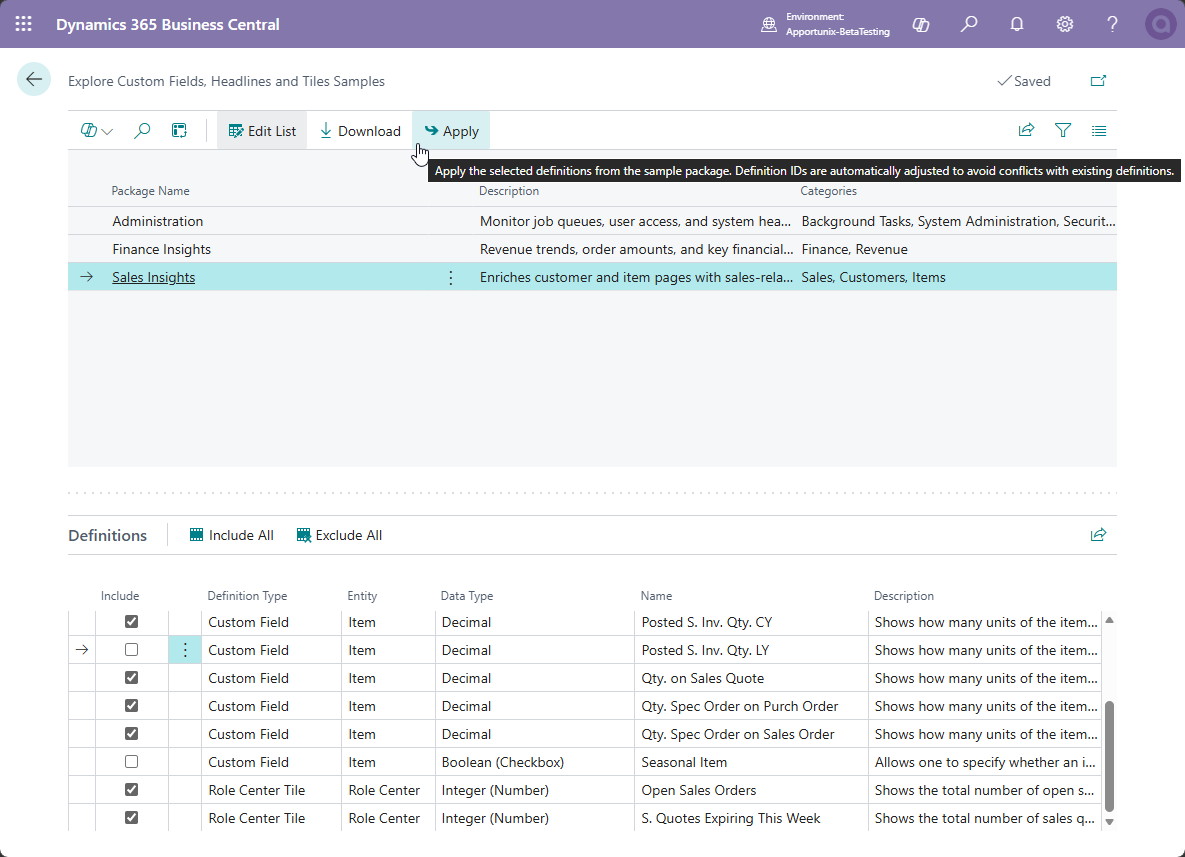
Each package contains multiple Definitions, which are displayed in the subpage at the bottom of the page for the selected package. A definition can be a custom field (either normal or calculated), role center tile or headline, and for each a description is included that describes what the field, tile or headline can be used for.
If you would like to use samples from the packages in your company, first adjust the selection of definitions using the Include checkbox in front of each definition record, and then invoke the Apply action to import the fields, tiles and/or headlines you selected. The Apply action will automatically choose the next available/free IDs for the new definitions that will be imported into your environment.
Important
After adding new definitions using the Apply action, make sure that all users log out and log in again so that they have access to the new fields, tiles and headlines.
Note that can also download a sample definition package by invoking the Download action. This will export an .xml file that contains the sample definitions of the currently selected package.